
Intended audience: users
AO Easy Answers: 5.0
Overview
Asking questions in Easy Answers in plain English can be very rewarding and can even induce a feeling of “magic” at play. However, there are times, especially in the beginning of using a natural language system, when the question interpretation needs a little help. Every organization tends to use specific “tribal” terminology, and users may express questions differently, so there are many things to consider when asking questions. See Guide for Constructing Effective Easy Answers Questions.
Asking Questions
Asking a question is typically done by entering a question in the Easy Answers Natural Language Question (NLQ) field in the Header section. However, there are multiple ways to also select questions that have already been asked by the system, and even questions that are suggested as follow-up questions.
As a question is typed into the NLQ field, Easy Answers automatically spell-checks each word and corrects misspellings in real time, showing corrected words underlined. This behavior is controlled by the Enable Auto Spell Correction setting, which users can turn on or off on the Easy Answers tab in the User Settings dialog (if available).
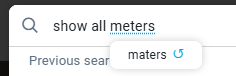
Question Asked from NLQ Field in the Header
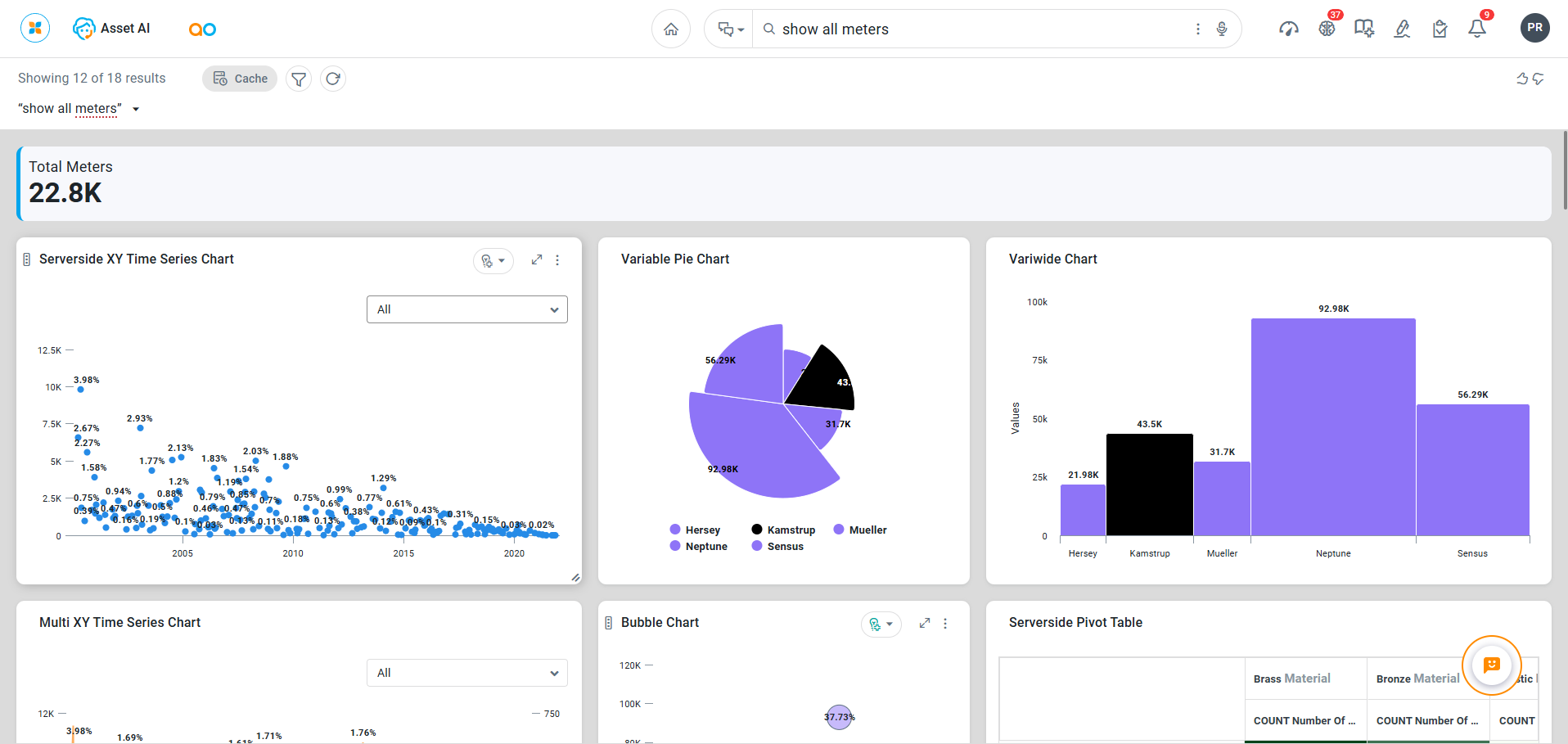
Follow-Up Questions After a Previous Question Has Generated Results

Questions from Home Page
-
Organize by All, Popular, Favorite, Categorized, and History. See Section - Questions.
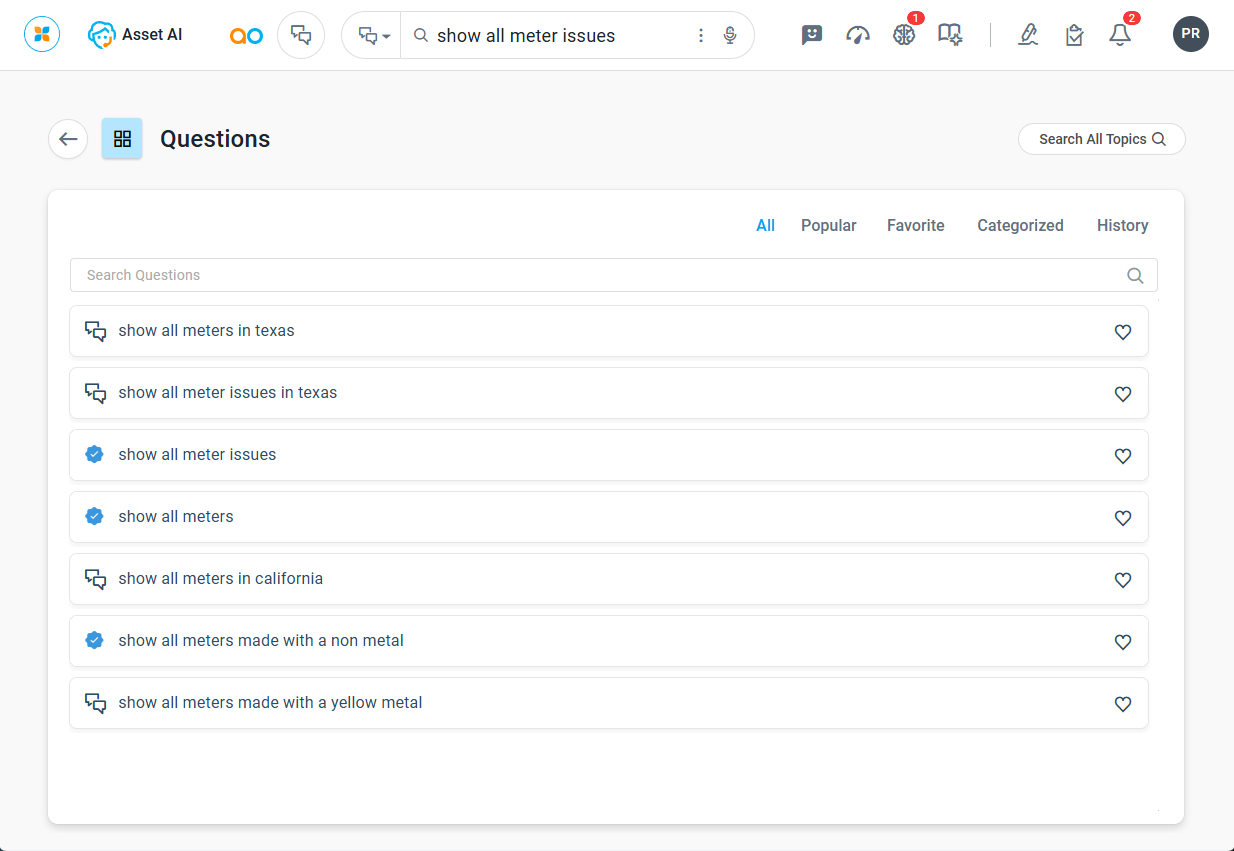
Some questions may display a blue Verified badge. This indicates the question has been reviewed and validated by an authorized user, and its results are trusted. See Using Question Verification for full details about question verification workflows and the verified question status.
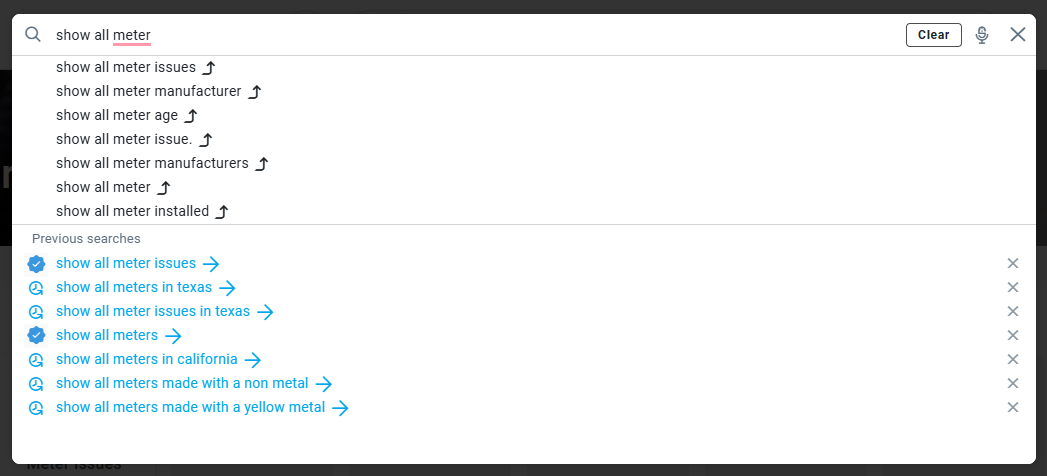
Questions from History and Questions with Type-Ahead Words
-
Available from the NLQ field in the Header section.
Asking Questions using the Agent
Asking Questions using the Agent on Mobile Devices
Contact App Orchid | Disclaimer