
Intended audience: users
AO Easy Answers: 4.5
Overview
Asking questions in Easy Answers in plain English can be very rewarding and can even induce a feeling of “magic” at play. However, there are times, especially in the beginning of using a natural language system, when the question interpretation needs a little help. Every organization tends to use specific “tribal” terminology, and users may express questions differently, so there are many things to consider when asking questions. See Guide for Constructing Effective Easy Answers Questions.
Asking Questions
Asking a question is typically done by entering a question in the Easy Answers Natural Language Question (NLQ) field in the Header section. However, there are multiple ways to also select questions that have already been asked by the system, and even questions that are suggested as follow-up questions.
Question Asked from NLQ Field in the Header
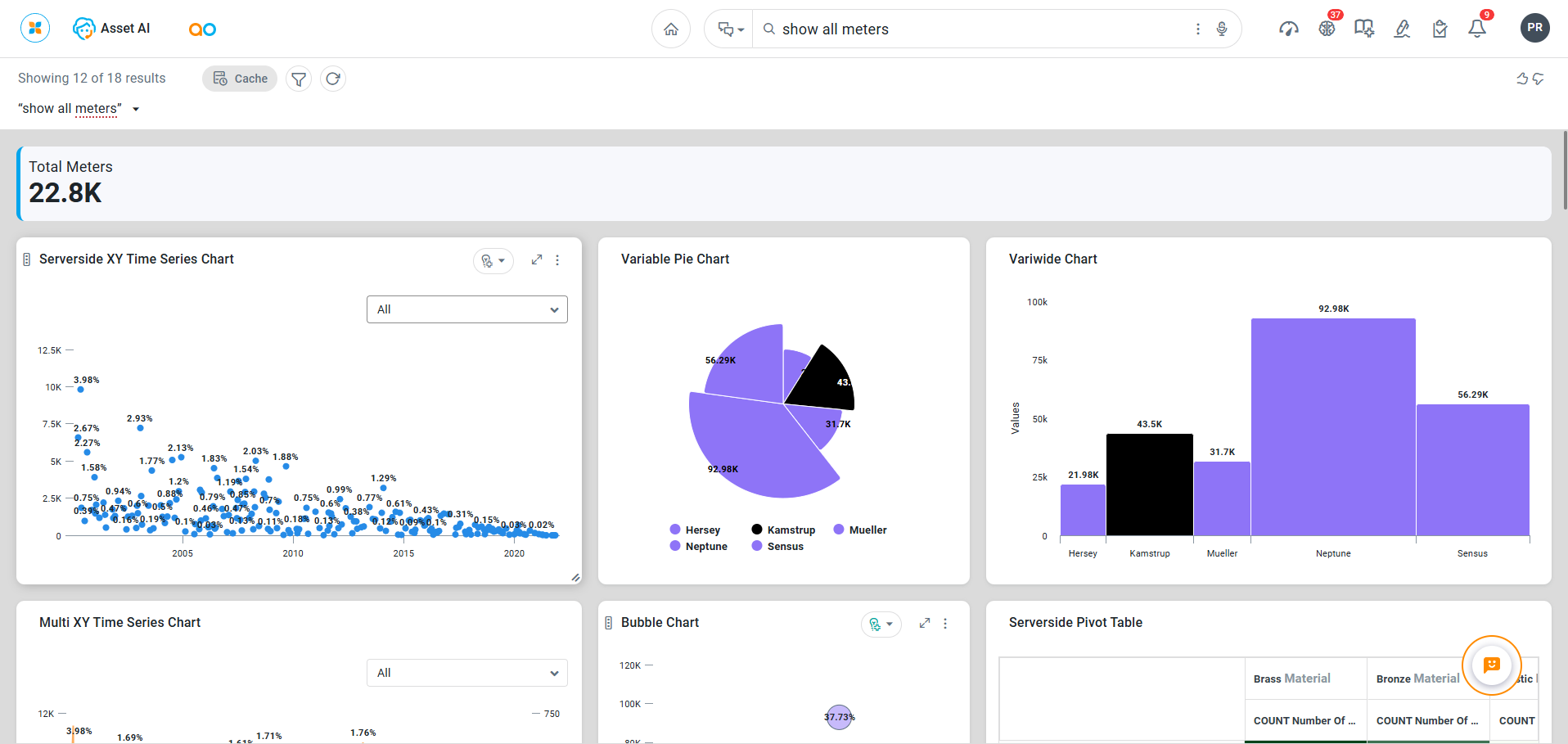
Follow-Up Questions After a Previous Question Has Generated Results

Questions from Home Page
-
Organize by All, Popular, Favorite, Categorized, and History. See Section - Questions.
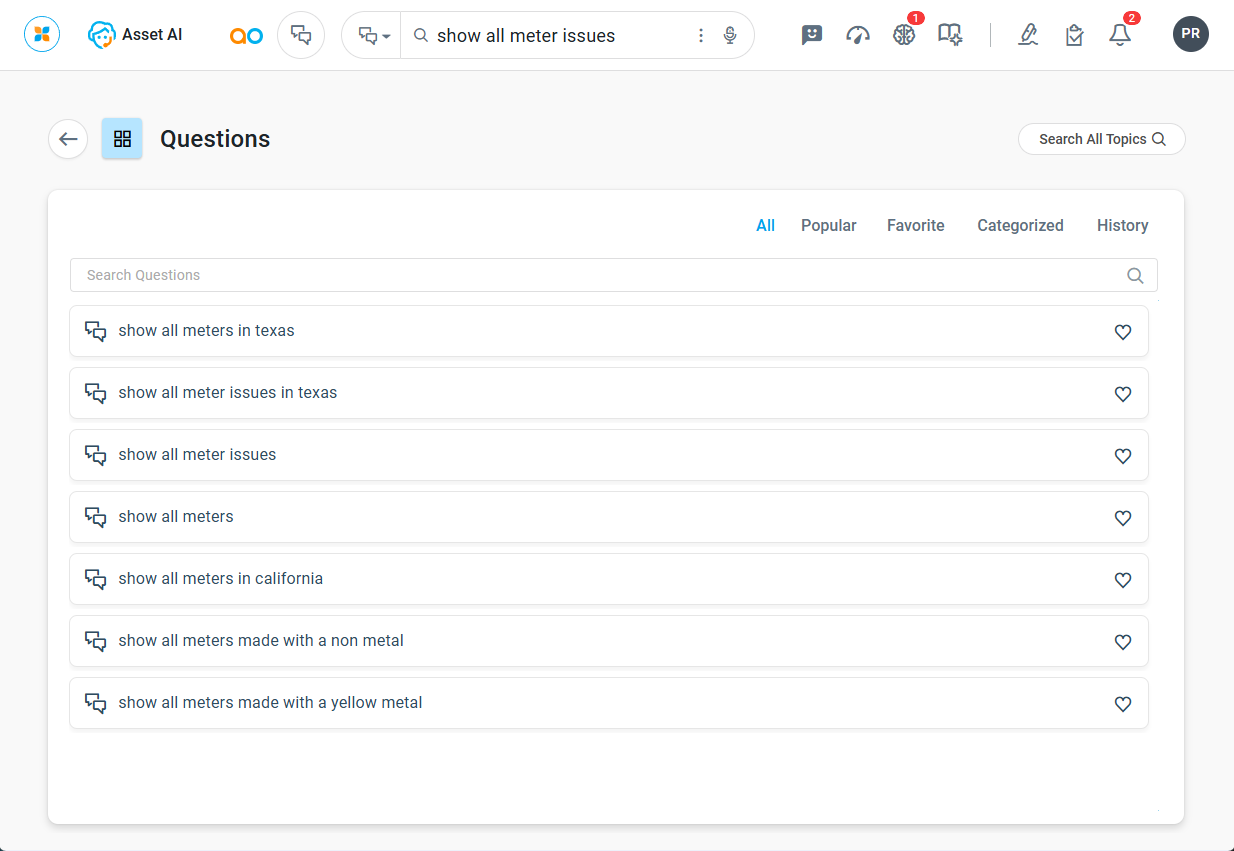
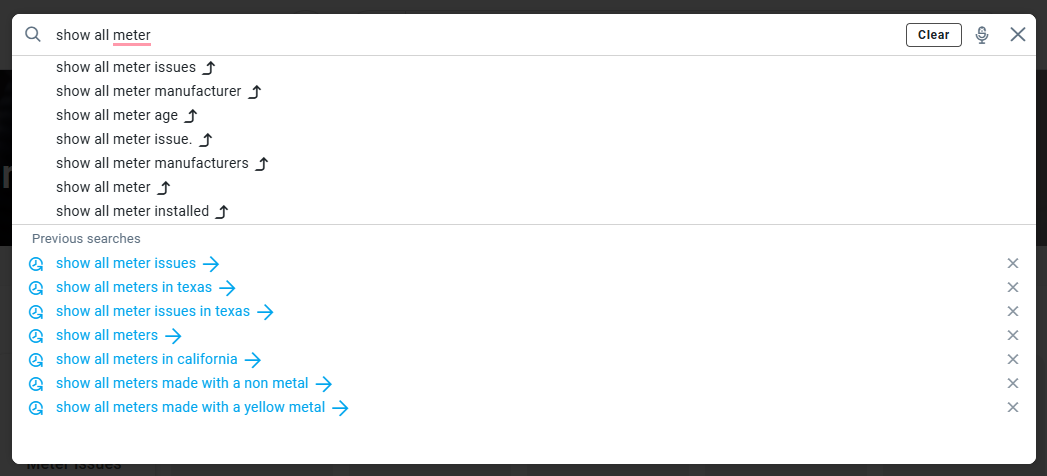
Questions from History and Questions with Type-Ahead Words
-
Available from the NLQ field in the Header section.
Asking Questions using the Agent
Asking Questions using the Agent on Mobile Devices
Contact App Orchid | Disclaimer