
Intended audience: users DEVELOPERS ADMINISTRATORS
AO Platform and AO Easy Answers: 4.5
Overview
This topic shows the different documentation options available within the User menu, assuming the user has access to both an AO Easy Answers solution and the full AO Platform for Solution Development.
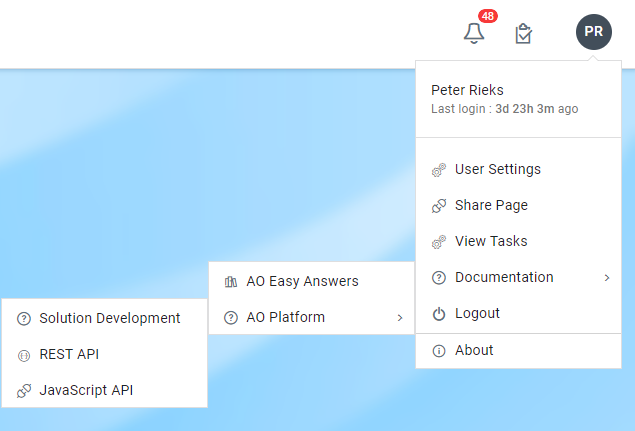
AO Easy Answers
-
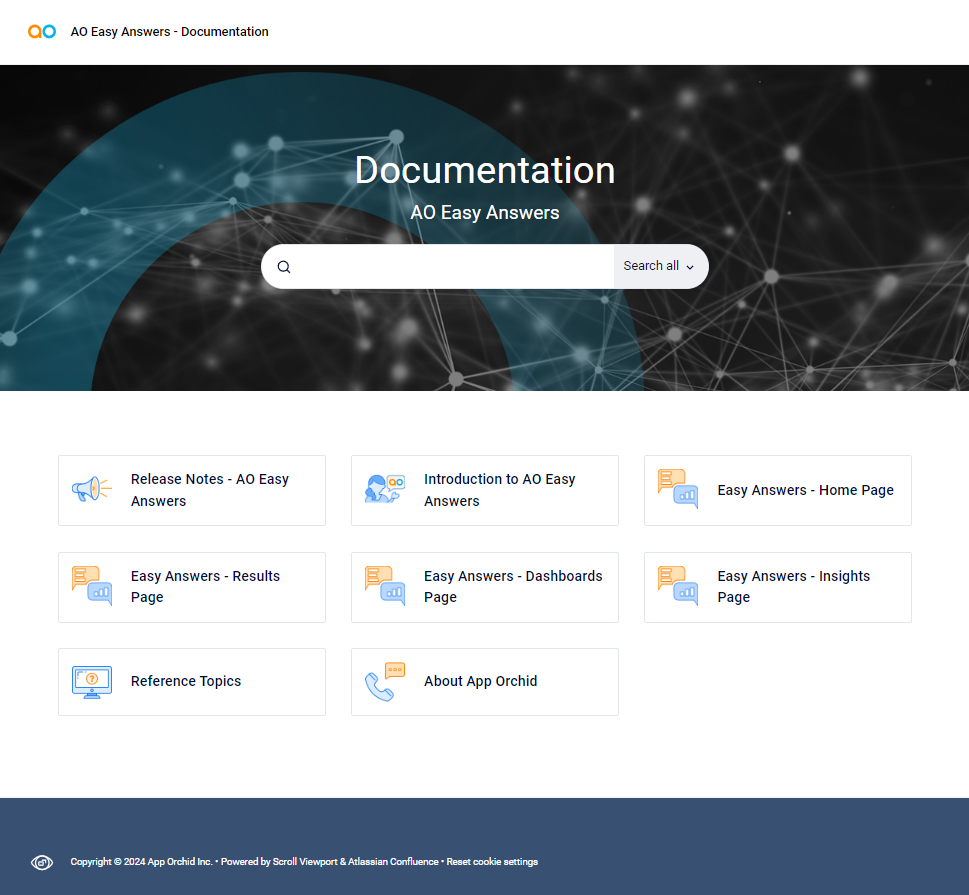
This entry will take the user to the AO Easy Answers documentation for End-Users.
-
The content can also be accessed from outside the AO Easy Answers UI at https://docs-easyanswers.apporchid.com/.
Some customized versions of the documentation may require a token for access.
AO Platform
Solution Development
-
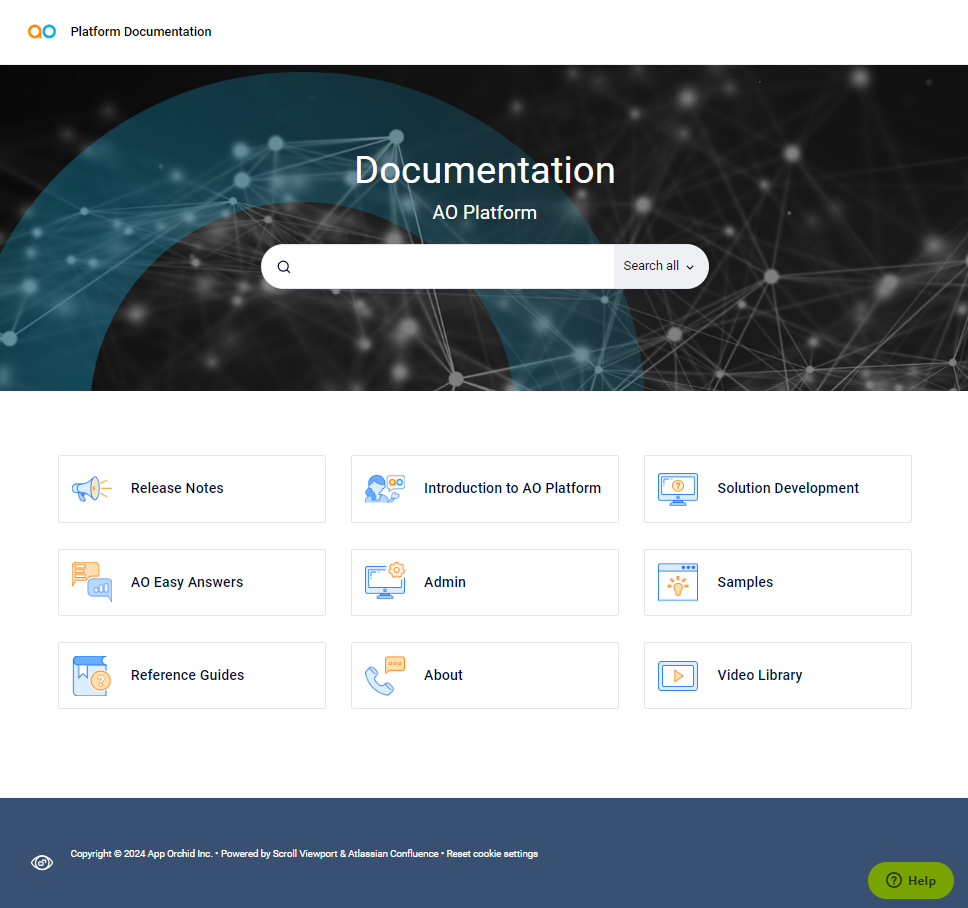
This entry will take the user to the AO Platform documentation for Solution Developers.
-
The content can also be accessed from outside the AO Platform UI at https://docs.apporchid.com.
Some customized versions of the documentation may require a token for access.
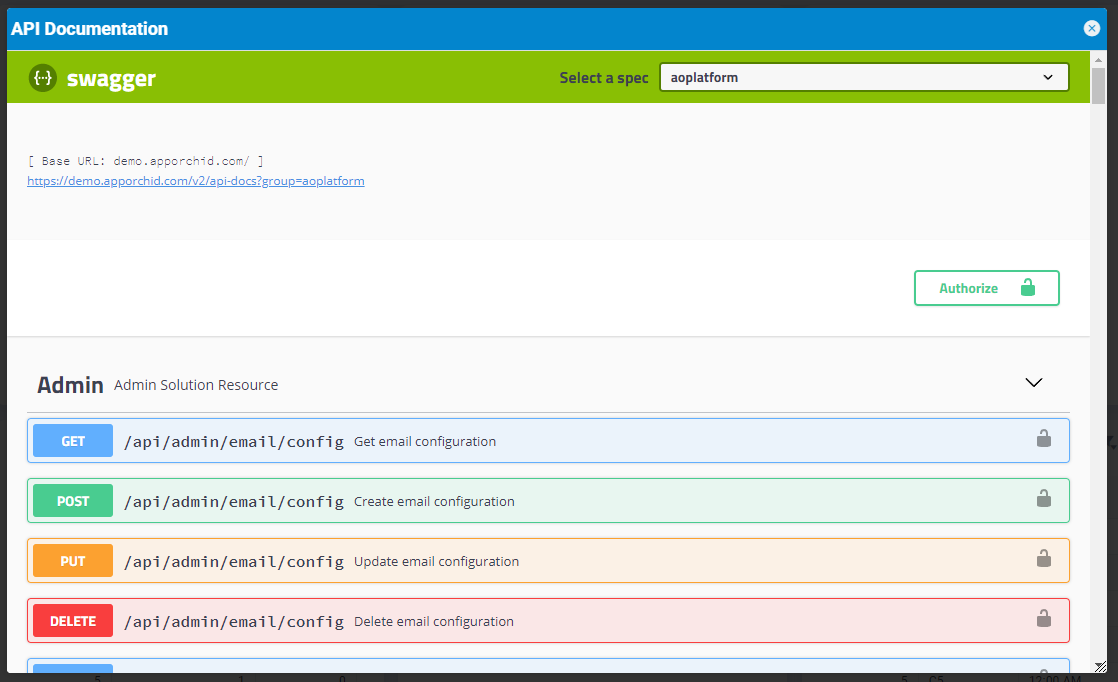
REST APIs
This entry will open the REST APIs available in the AO Platform. The site will allow the developer to exercise the APIs after providing the required Authorization Key. Contact the AO Platform Administrator to retrieve the Authorization Key.
Please understand that some API calls can have a significant negative impact on the running system. It is expected that the developer using this API has a full understanding and takes responsibility for using the API if an Authorization Key is provided.
Access via App Orchid Demo Server: https://demo.apporchid.com/swagger-ui.html?groups=aoplatform
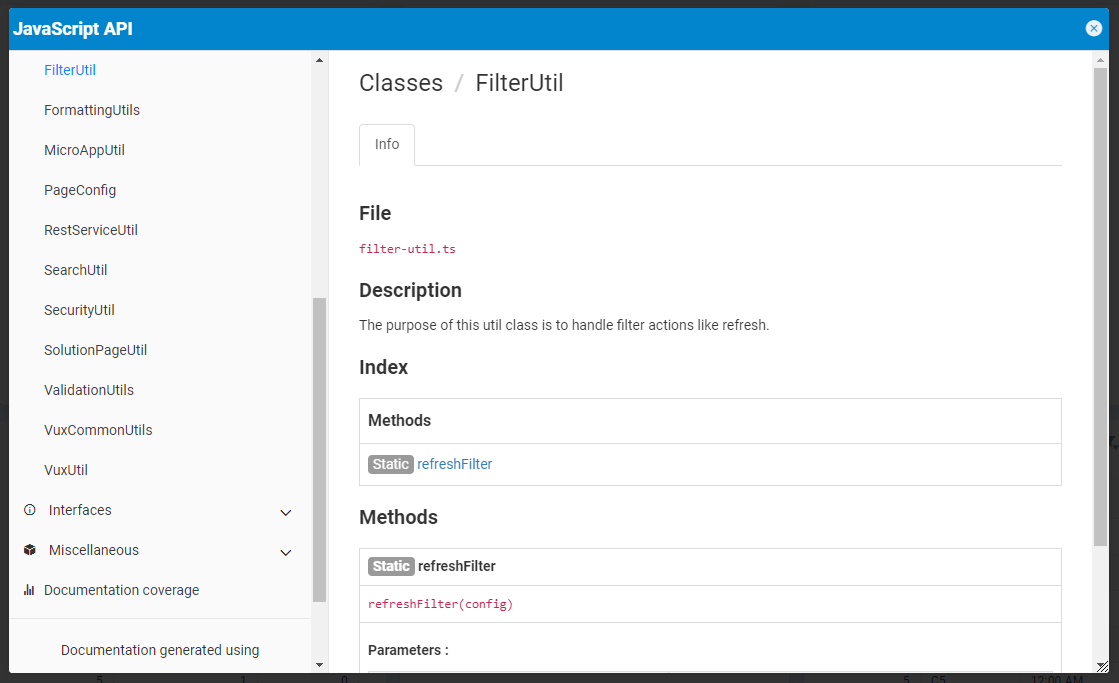
JavaScript API
This entry will open the JavaScript API documentation available in the AO Platform.
Contextual Documentation in Composers, Admin, and Transport Tool
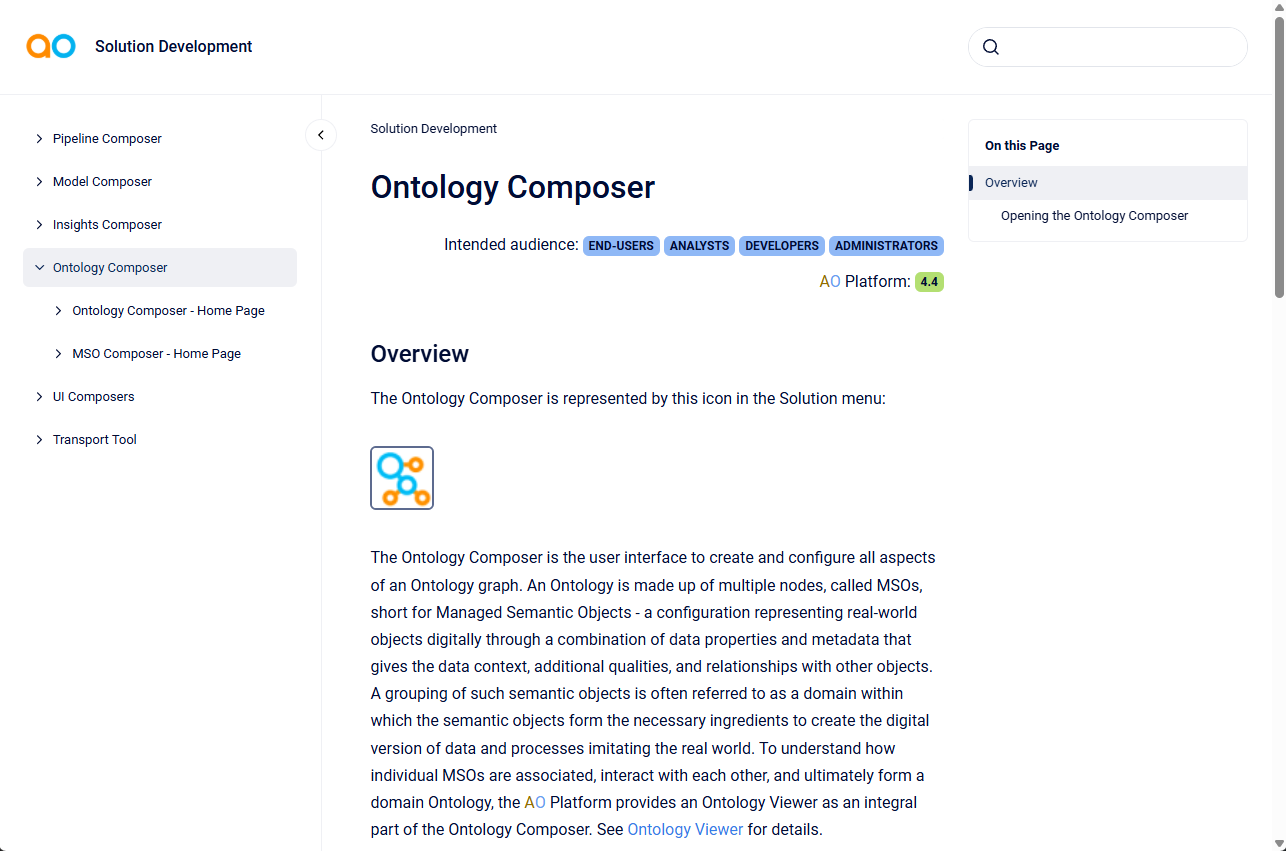
In addition to the User Menu’s Documentation entry, contextual documentation is now available from all Composers in the AO Platform. Click the 







…and here’s an example documentation topic that opens when clicking the Ontology Composer contextual documentation icon.
Contact App Orchid | Disclaimer