
Intended audience: users
AO Easy Answers: 4.5
Overview
The AO Easy Answers solution is by default represented by the icon below in the Solution menu. However, when creating an Easy Answers solution, the solution developer can configure any icon.

The Easy Answers solution is visually and operationally simple, but very powerful. Although configurable, a typical Easy Answers solution will include the following pages:
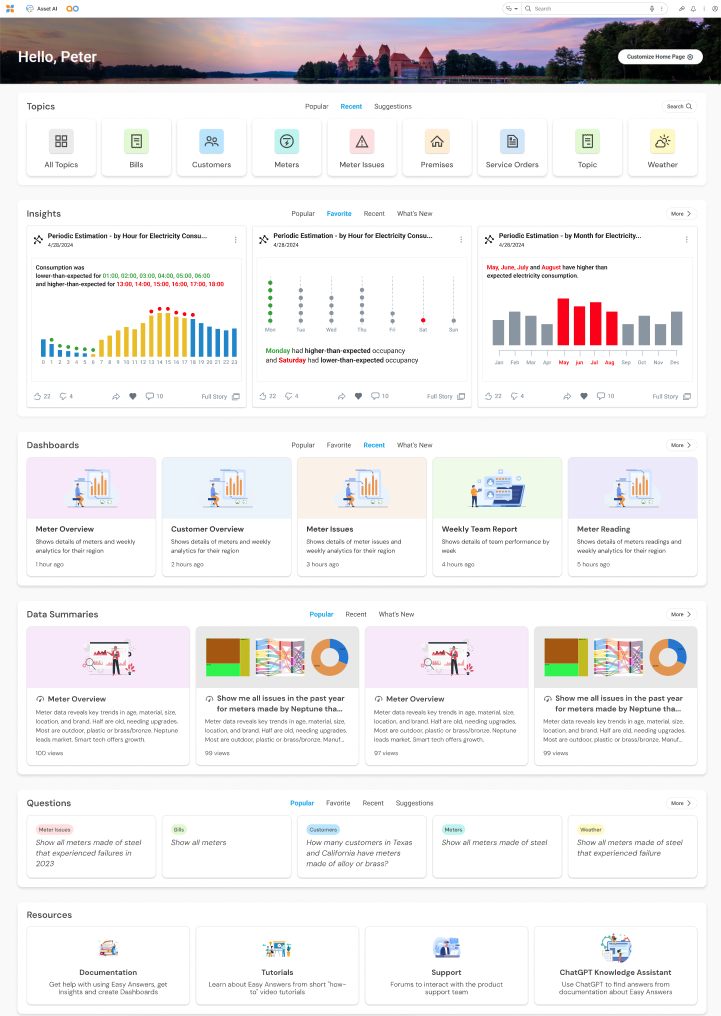
Easy Answers - Home Page

This page is typically the default page for the Easy Answers solution, helping both new and experienced users easily view Topics, Questions, Insights, Dashboards, Data Summaries, and other Resources. Additionally, users with customization permissions can make both appearance and section changes to their Home Page.
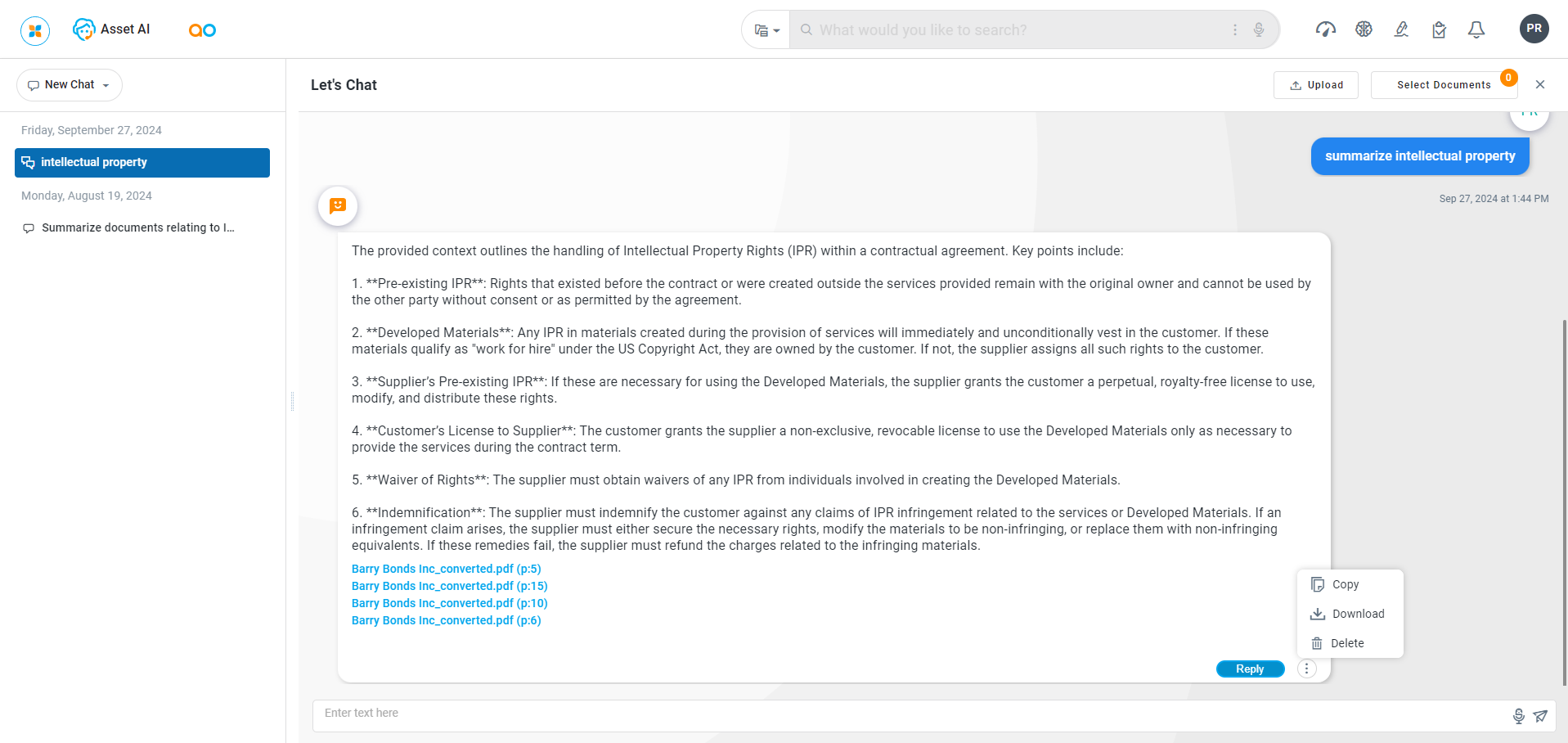
Easy Answers - Agent Page

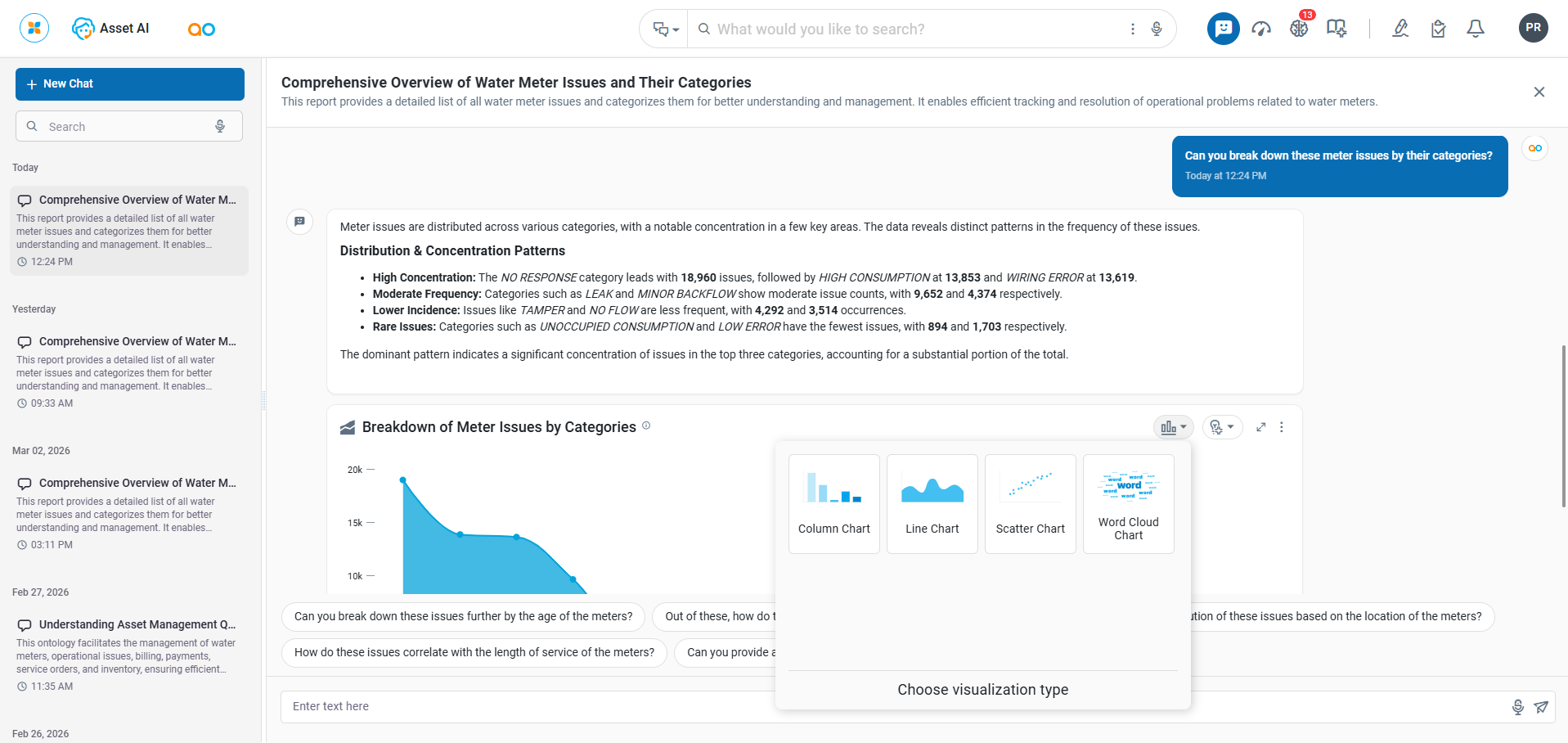
Easy Answers has an Agent function that provides a conversation-based approach to asking questions and getting answers from the solutions ontology. The Agent is based on an Agentic AI framework that will also be available for 3rd party developers to include in other applications developed outside Easy Answers. There are two interfaces for Business Users:
Easy Answers for Web
-
This Agent combines the power of the AO Platform Ontology (providing the data and visualizations) with the advances in using Generative AI to both interpret the user questions as well as provide articulated Natural Language Responses for a much-improved user experience directly in a browser.
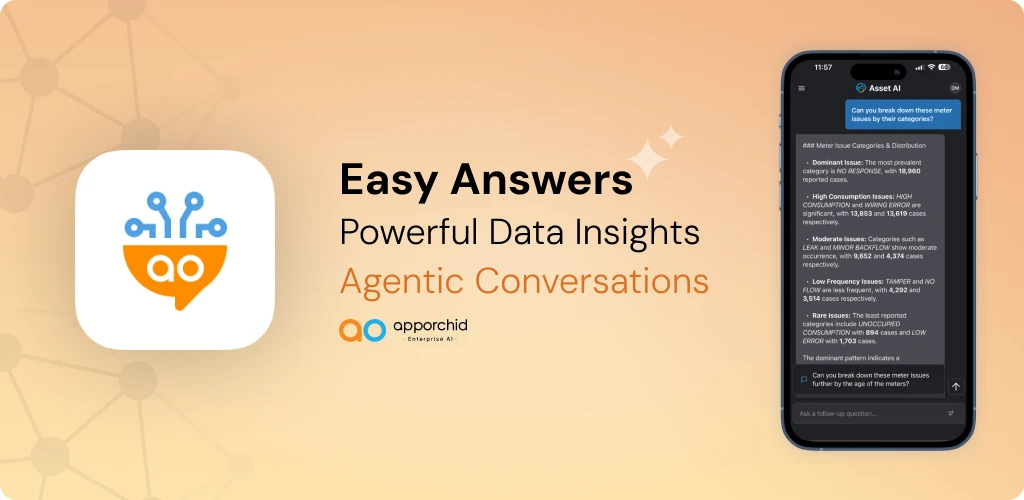
Easy Answers for Mobile
-
Based on the same Agentic AI framework as Easy Answers for Web, Easy Answers for Mobile is available for Apple iOS and Google Android devices. See details AO Easy Answers Agent for Mobile.
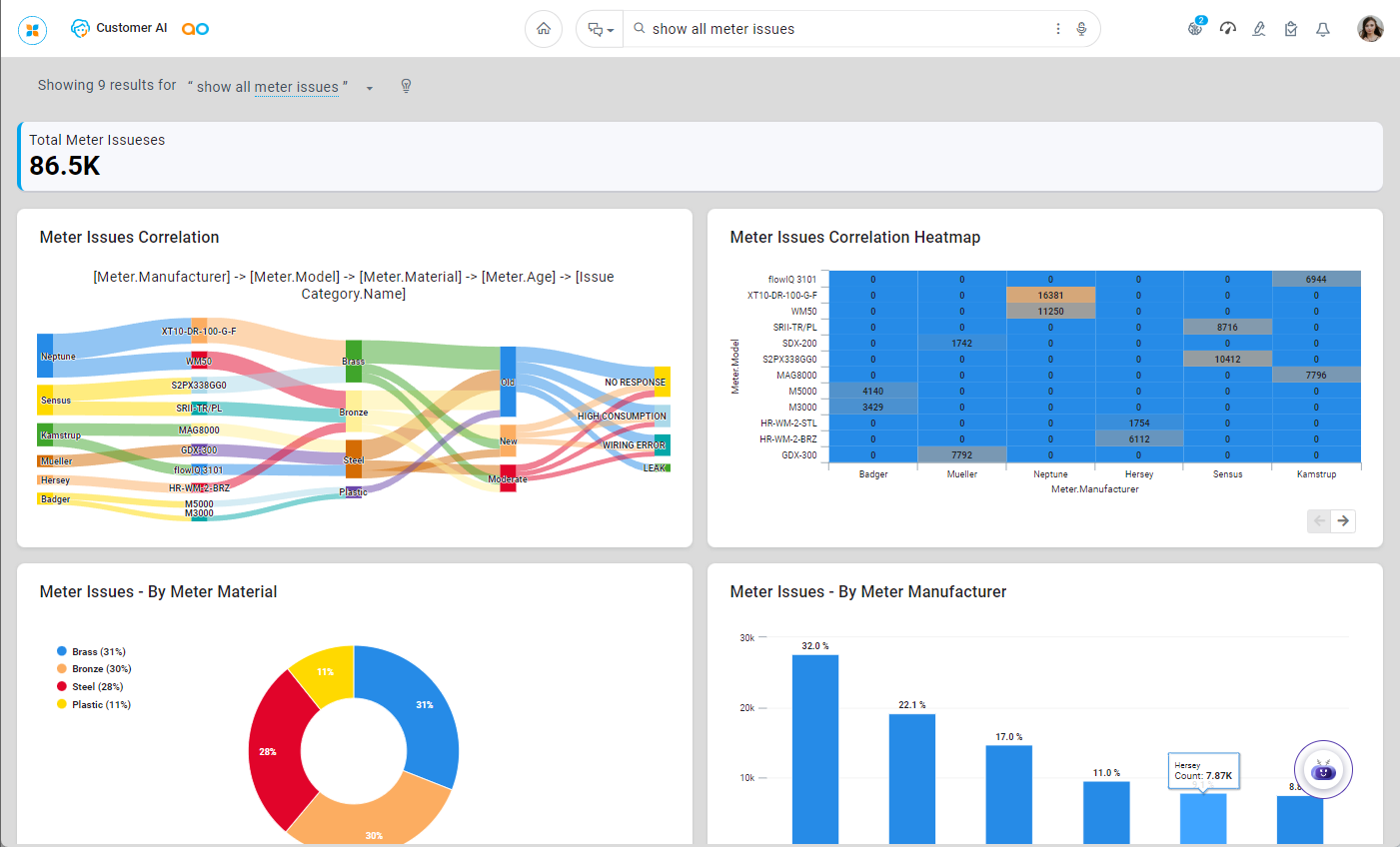
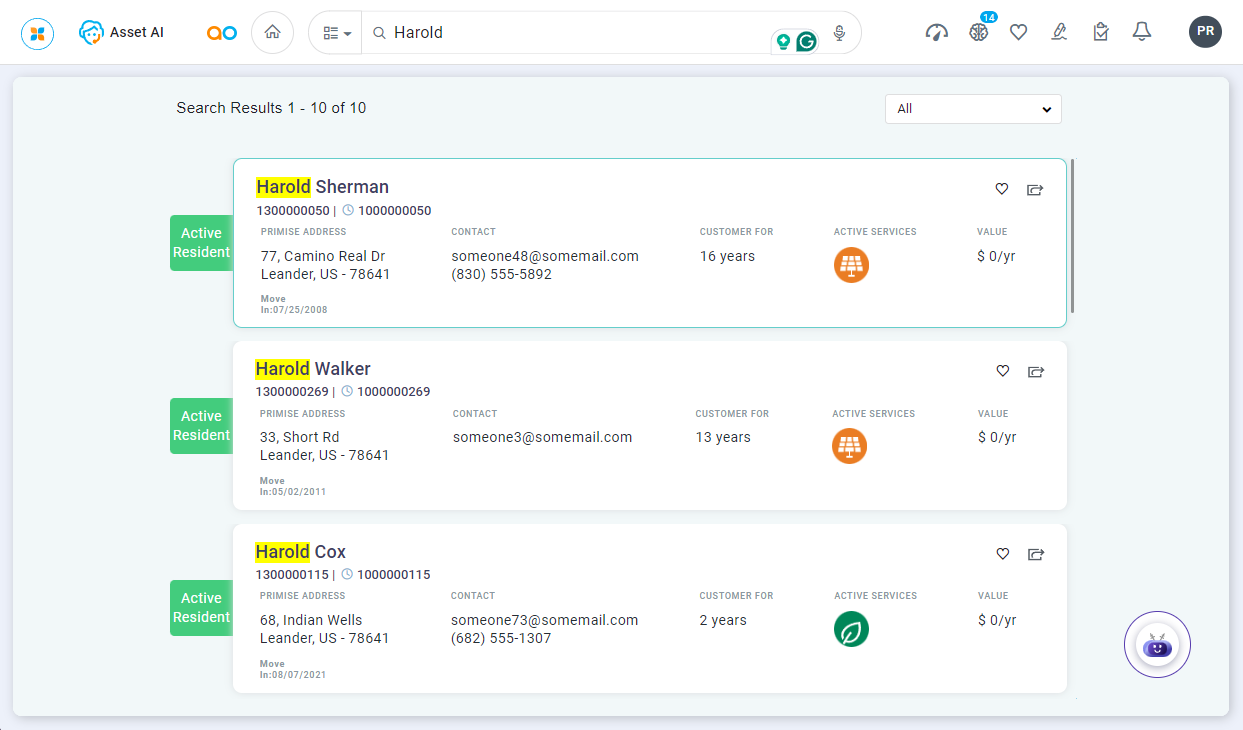
Easy Answers - Results Page

This page allows the user to ask Questions and have a “Conversation” with the Easy Answers Agent to retrieve data available in the Ontology used by the Easy Answers solution. There are three options in the dropdown from the Easy Answers field:
-

-

-

This type of page has to be created by a solution developer under a separate agreement with App Orchid.
Easy Answers - Dashboards Page

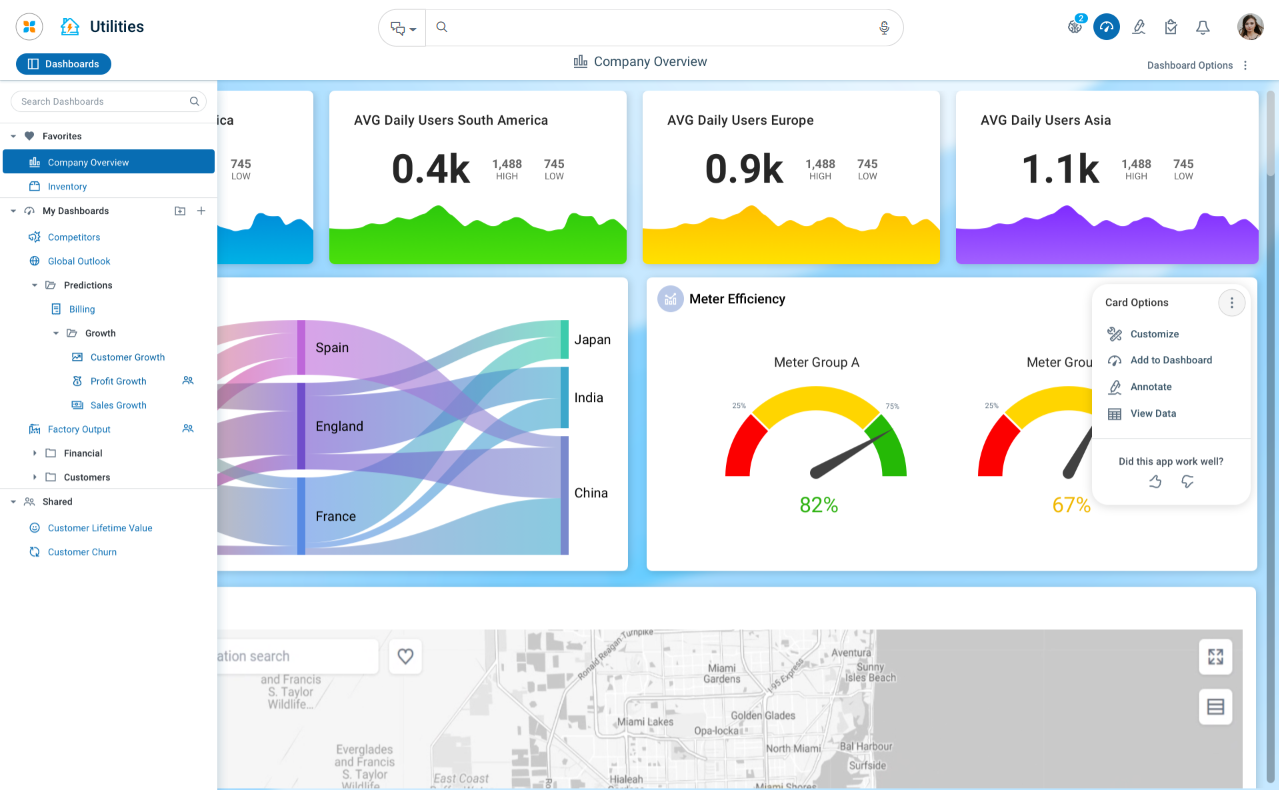
This page contains one or more named Dashboards, either private to the current user or public for all users with access to the solution. Any Dashboard can be selected as a Default Dashboard.
Easy Answers - Insights Page

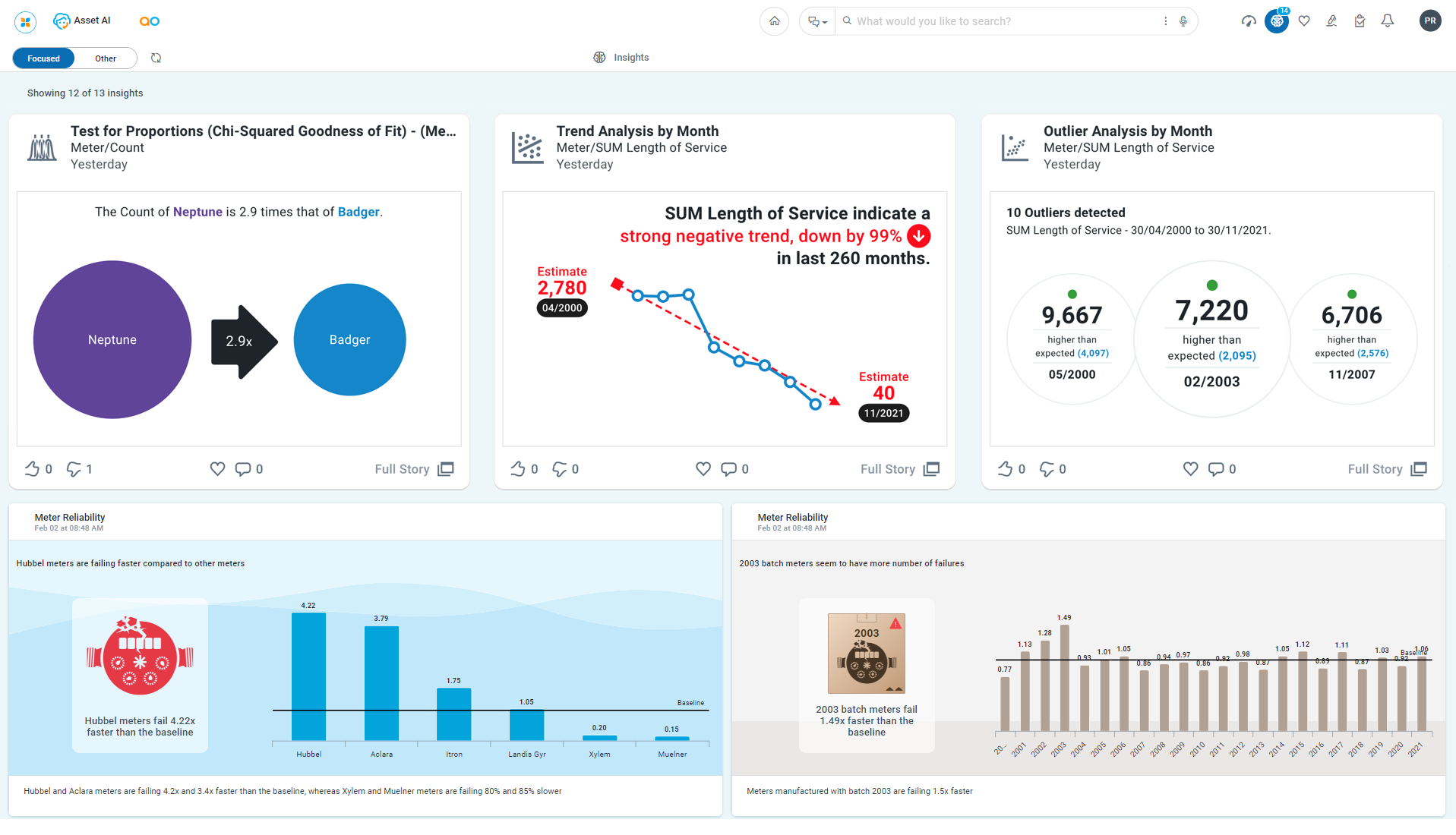
This page contains different Insights in chronological order. There are currently two possible types of Insights on this page:
-
System-generated Insights based on Machine Learning models looking for anomalies, trends, and sudden changes across topics in the ontology. See Insights - Advanced ML Models.
-
User-requested Quick Insights based on Machine Learning models. See Quick Insights.
Understanding Easy Answers
Using Easy Answers via the pages described above will be intuitive to most new and experienced users. However, to fully benefit from the depth and breadth of Easy Answers, make sure to consult the Reference Topics for lots of additional insights and examples.
Contact App Orchid | Disclaimer