Intended audience: users
AO Easy Answers: 4.3
Overview
In addition to viewing the Data Summary Details on screen and being able to ask questions of this content using the Chatbot, the user can also click the Download icon 
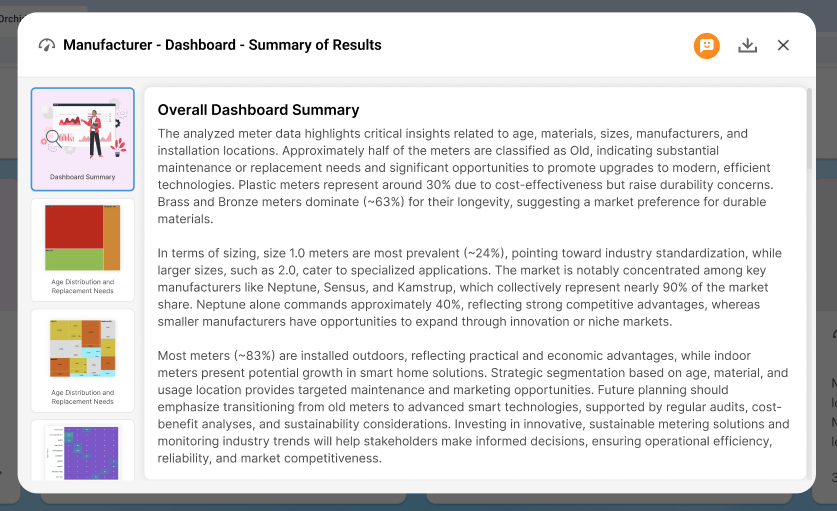
Data Summaries Report
-
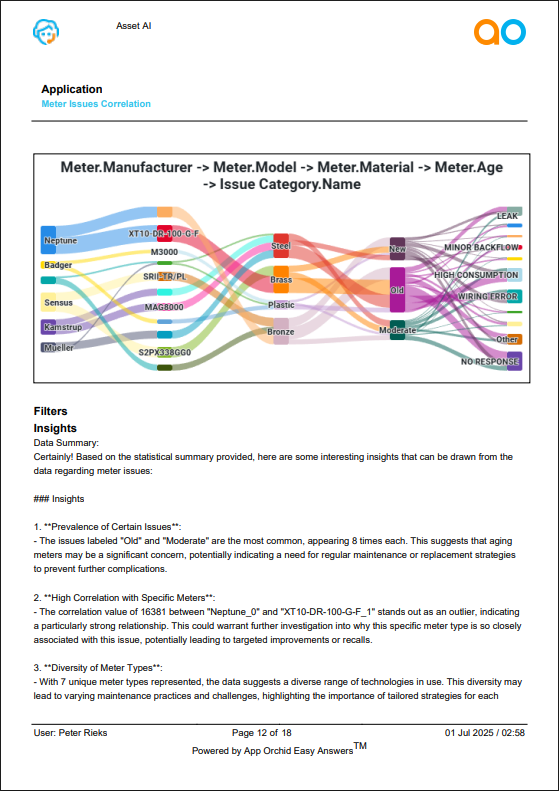
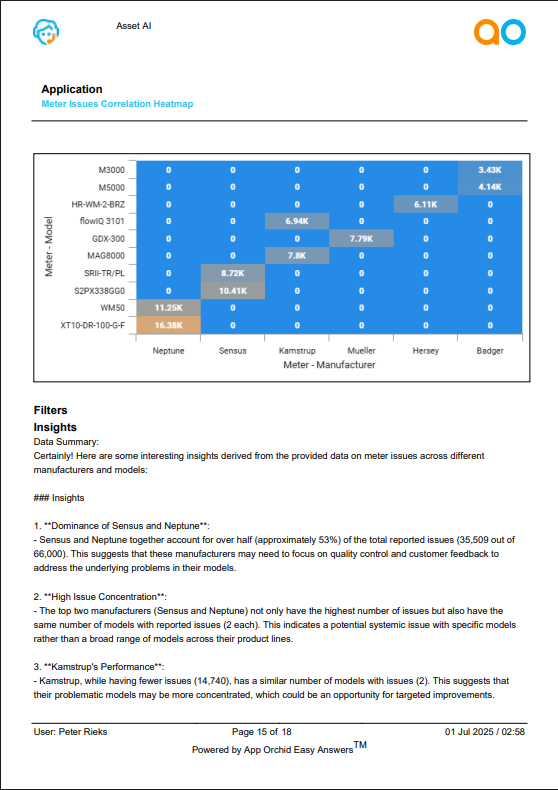
The following shows a few pages from a Data Summary Report downloaded in PDF format, including the visual representation of each App, any applied Filters, as well as the Data Summaries generated.
|
|
Contact App Orchid | Disclaimer