
Intended audience: end-users developers
AO Easy Answers: 3.4
Overview
Users can provide feedback on the Easy Answers experience in a few places:
-
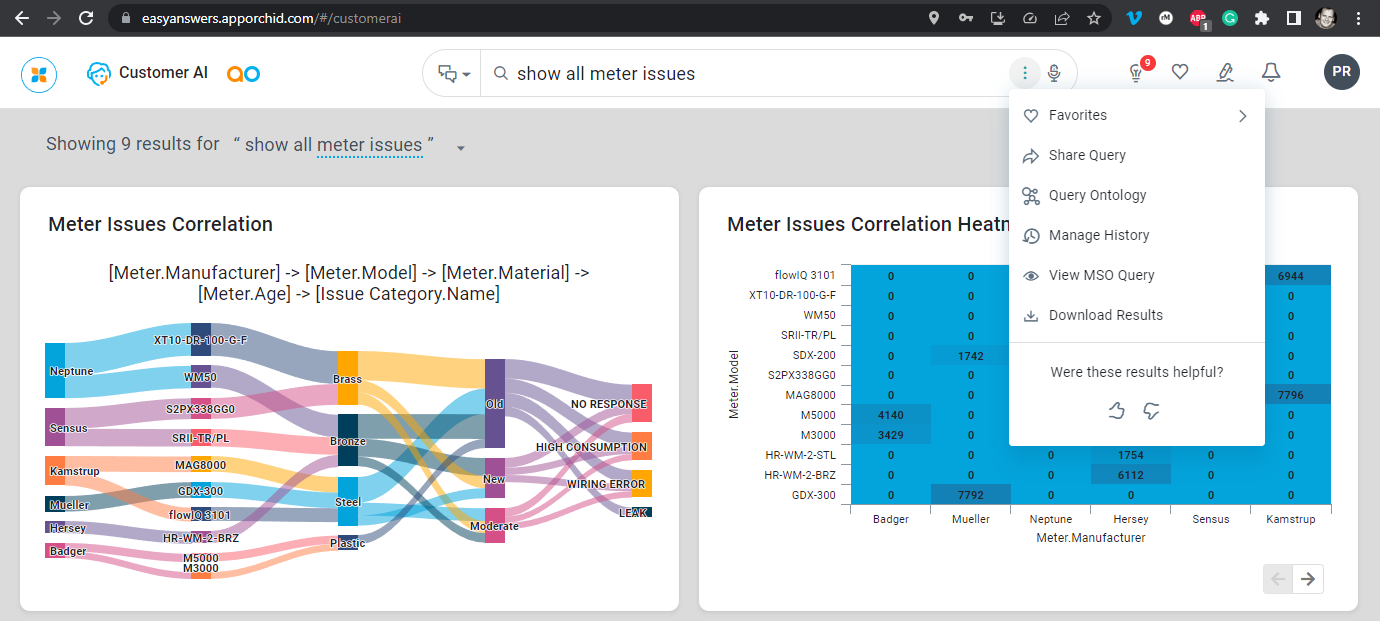
Easy Answers Results page as a whole - this is done from the Action menu visualized by the Thumbs Up and Thumbs Down icons.
-
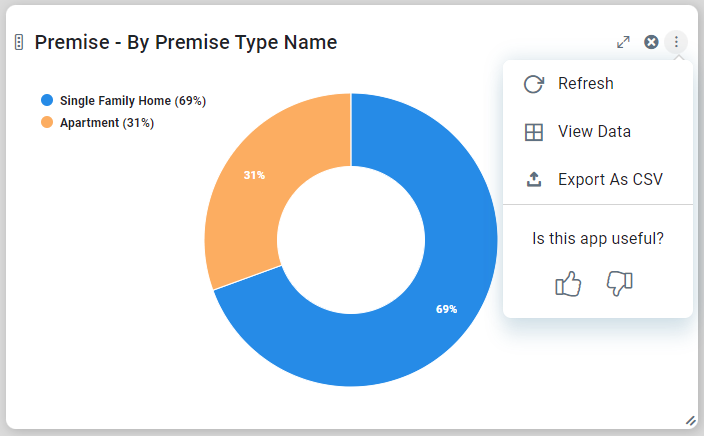
Individual Cards (curated components) on the dashboard page - this is done from the Action menu on each card visualized by the Thumbs Up and Thumbs Down icons.
|
Results page |
Individual Cards |
|---|---|
|
|
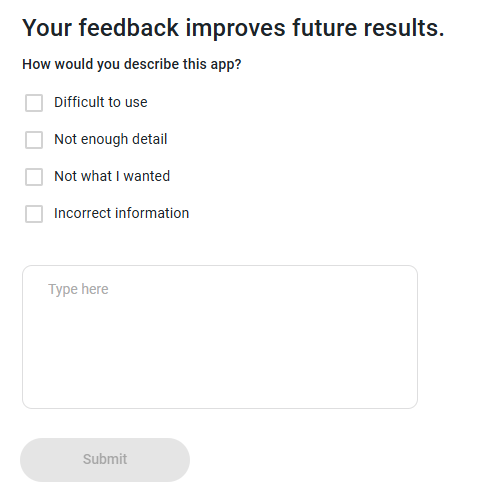
When users click the Thumbs Down icon in the App Options menu, the Feedback dialog opens up allowing for some quick feedback options, as well as allowing users to provide additional comments. And, if enabled, feedback at the App level will be used by the Recommendation system to adjust the order of the Apps on the Easy Answers Results page for all users of the same Role profile. See Recommendations.
Contact App Orchid | Disclaimer